
Chris Southcott
UX / PRODUCT DESIGNER



I WAS THE LEAD DESIGNER OF
DTN
WEATHER
HUB
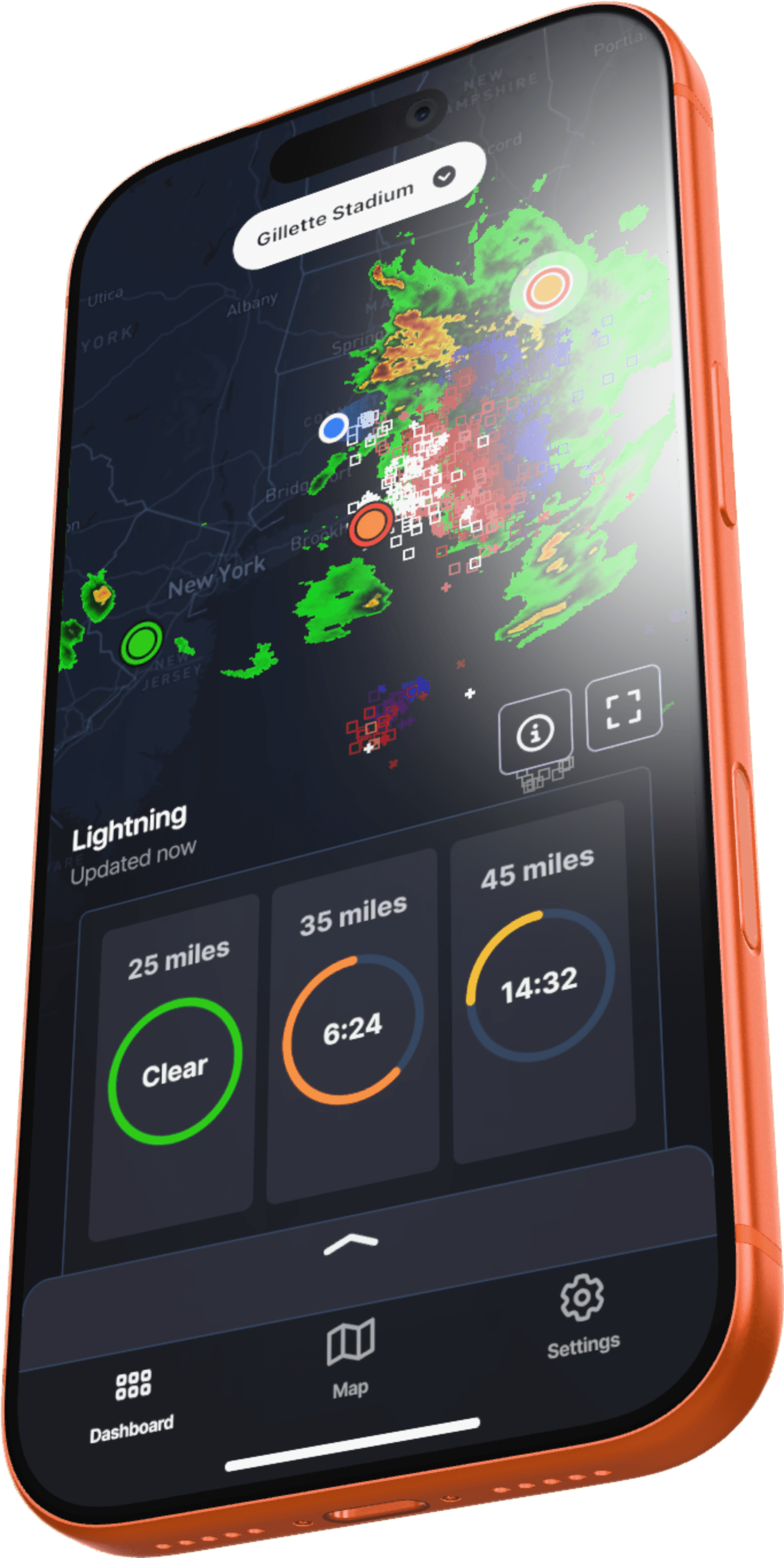
The Problem
The Solution
My Role
Using AI


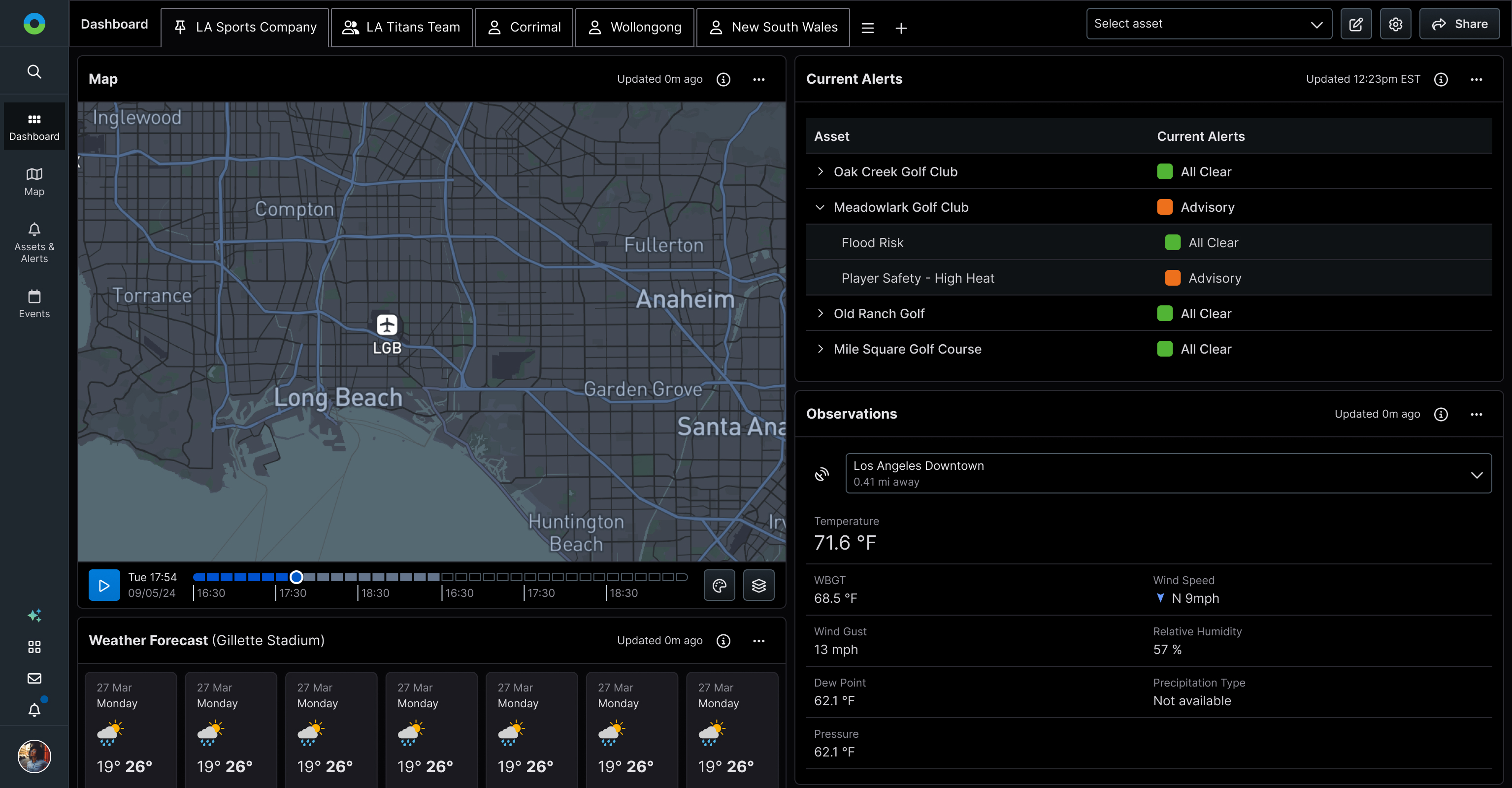
The Dashboard
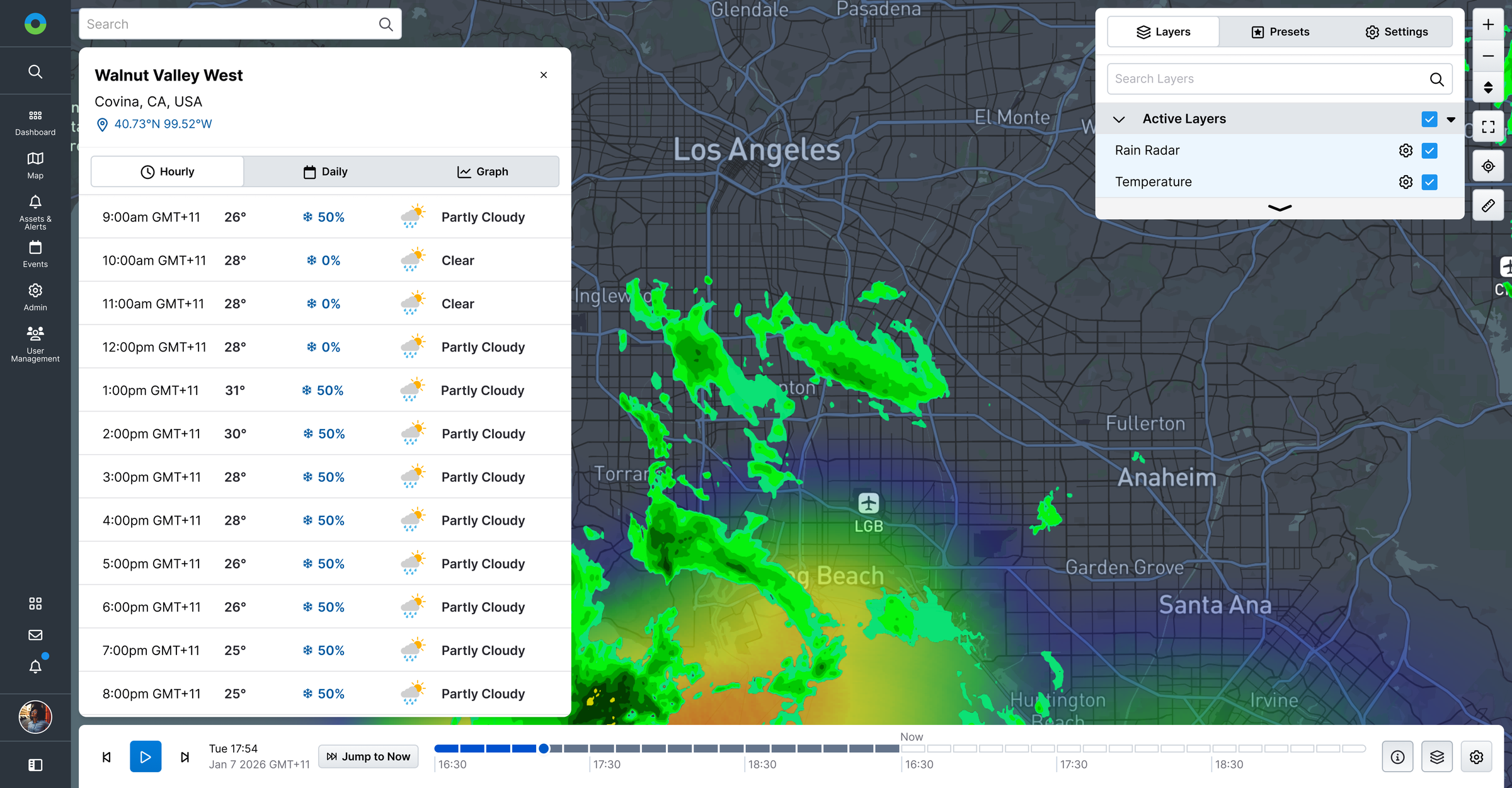
The Map
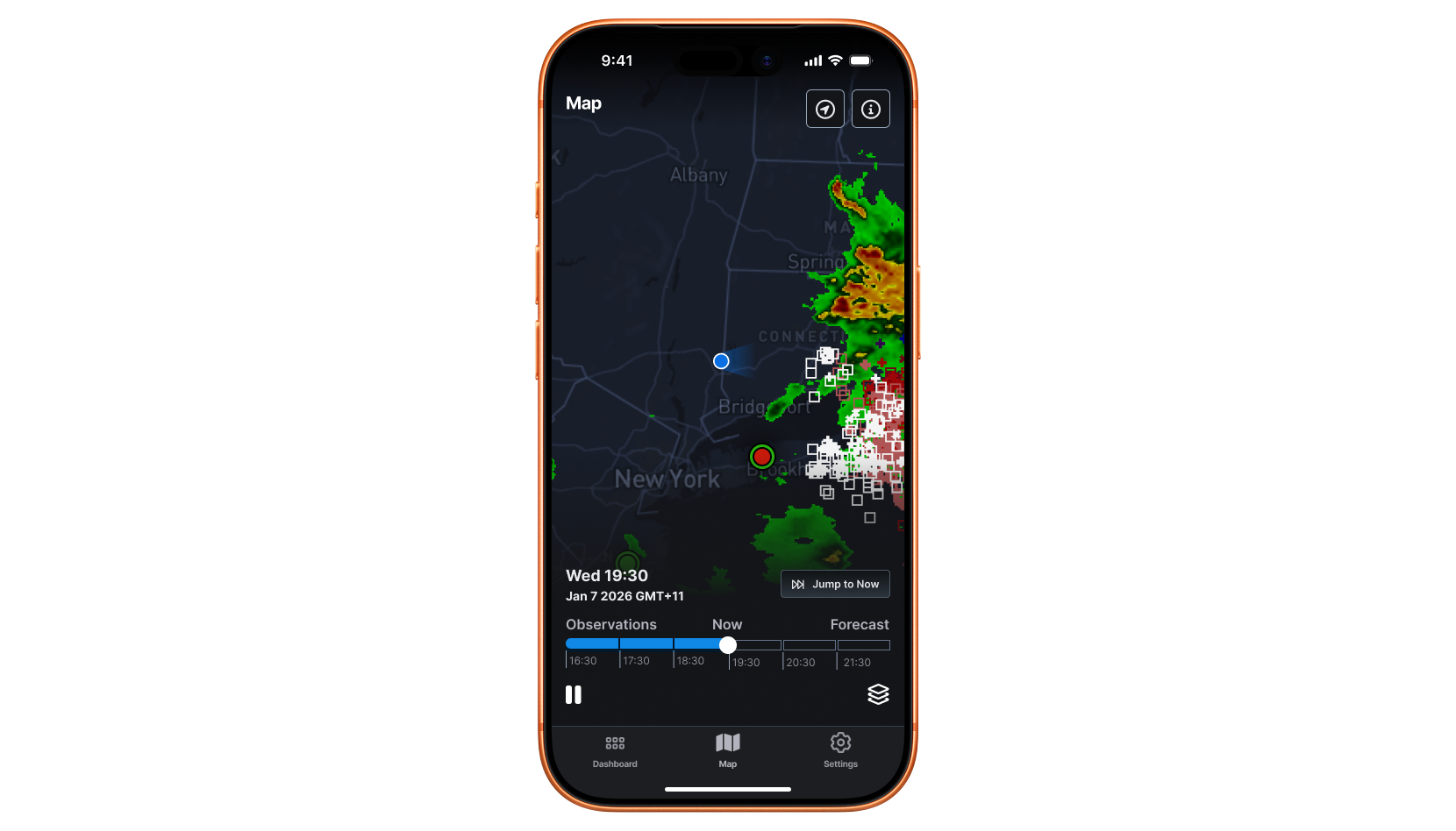
Native iOS + Android apps
More
Work

iOS + Android
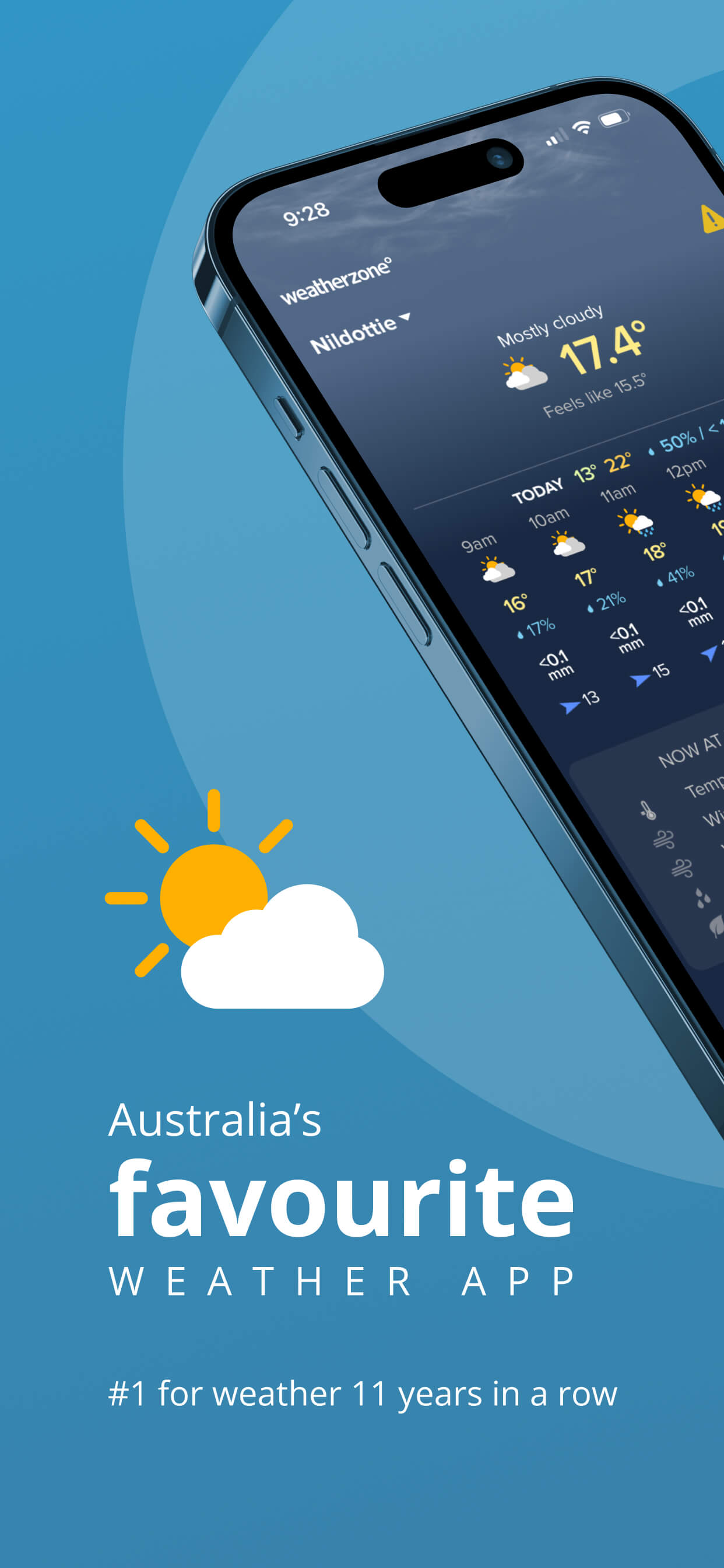
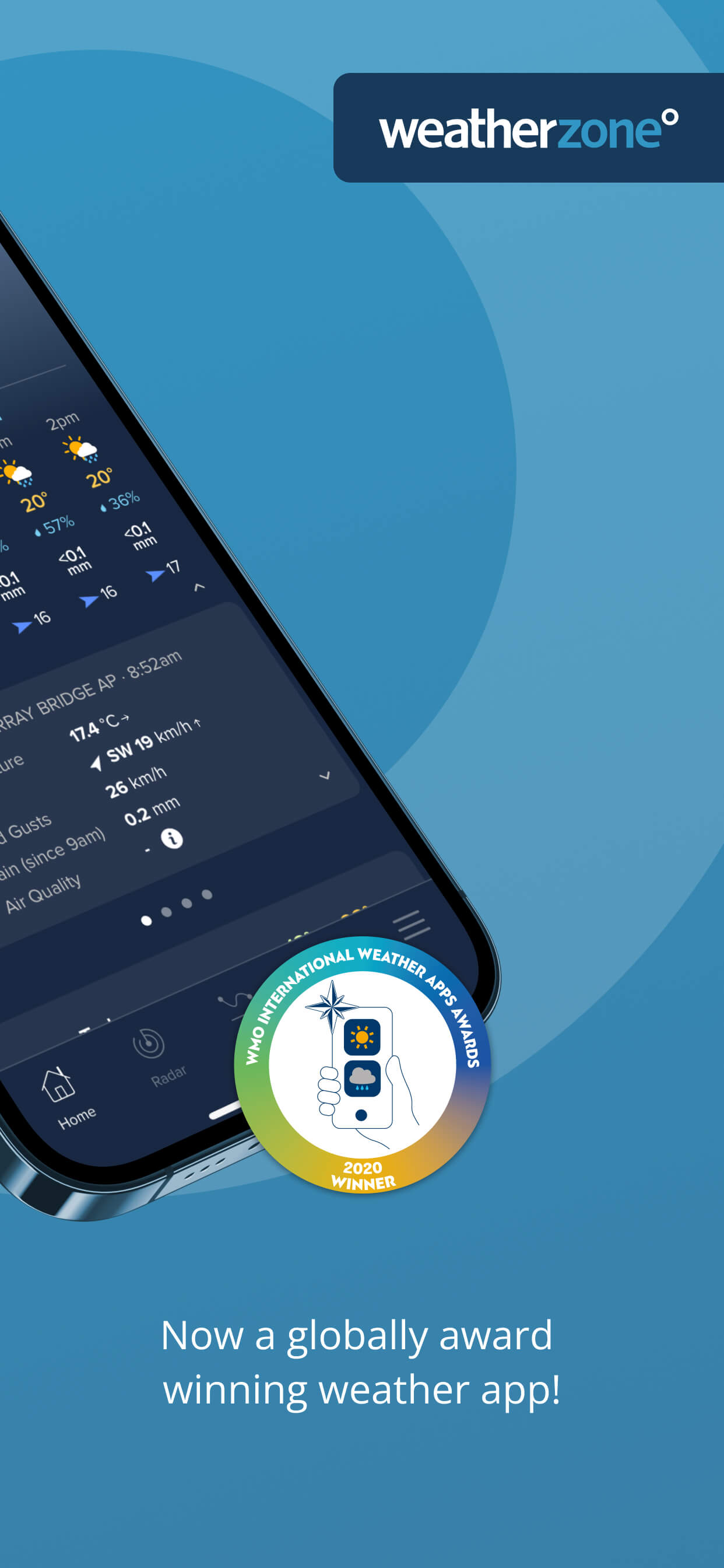
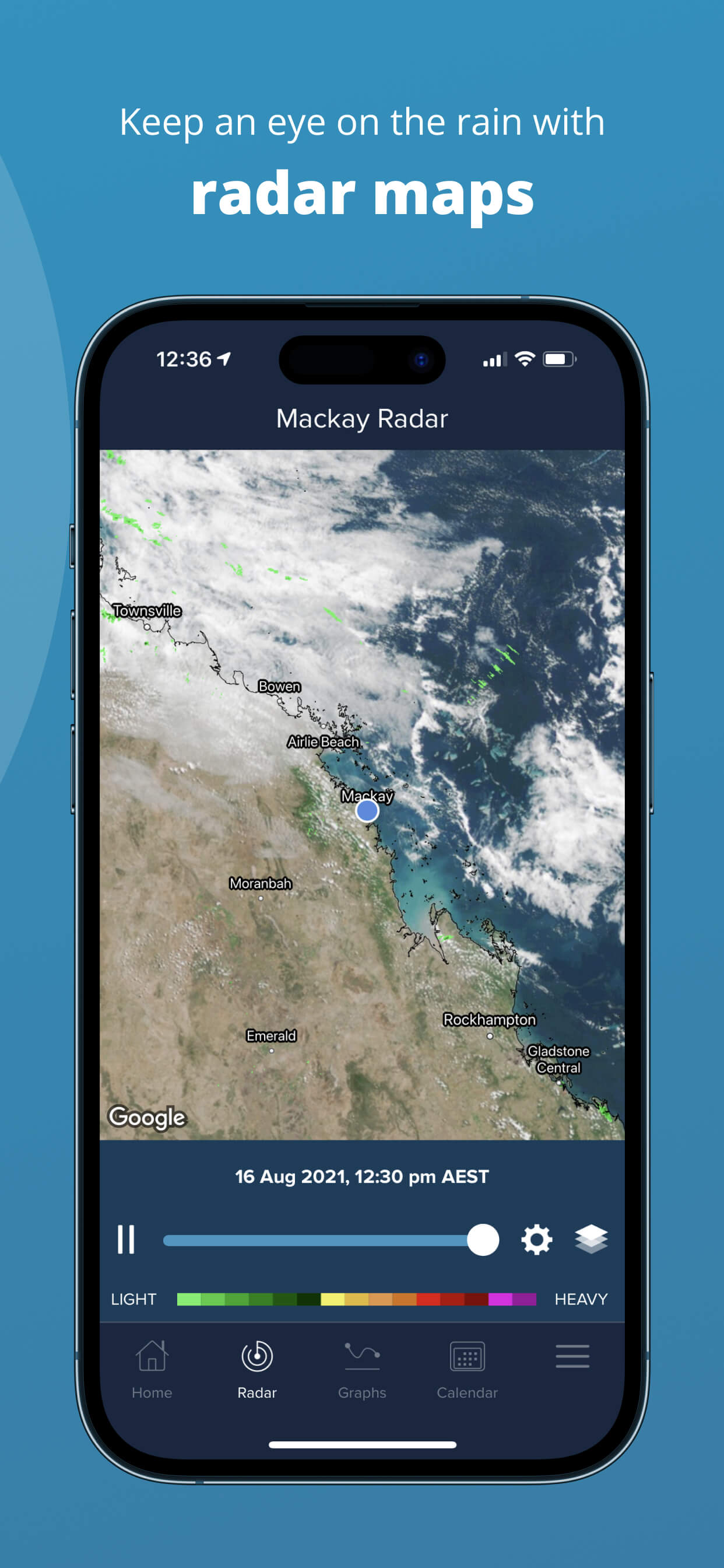
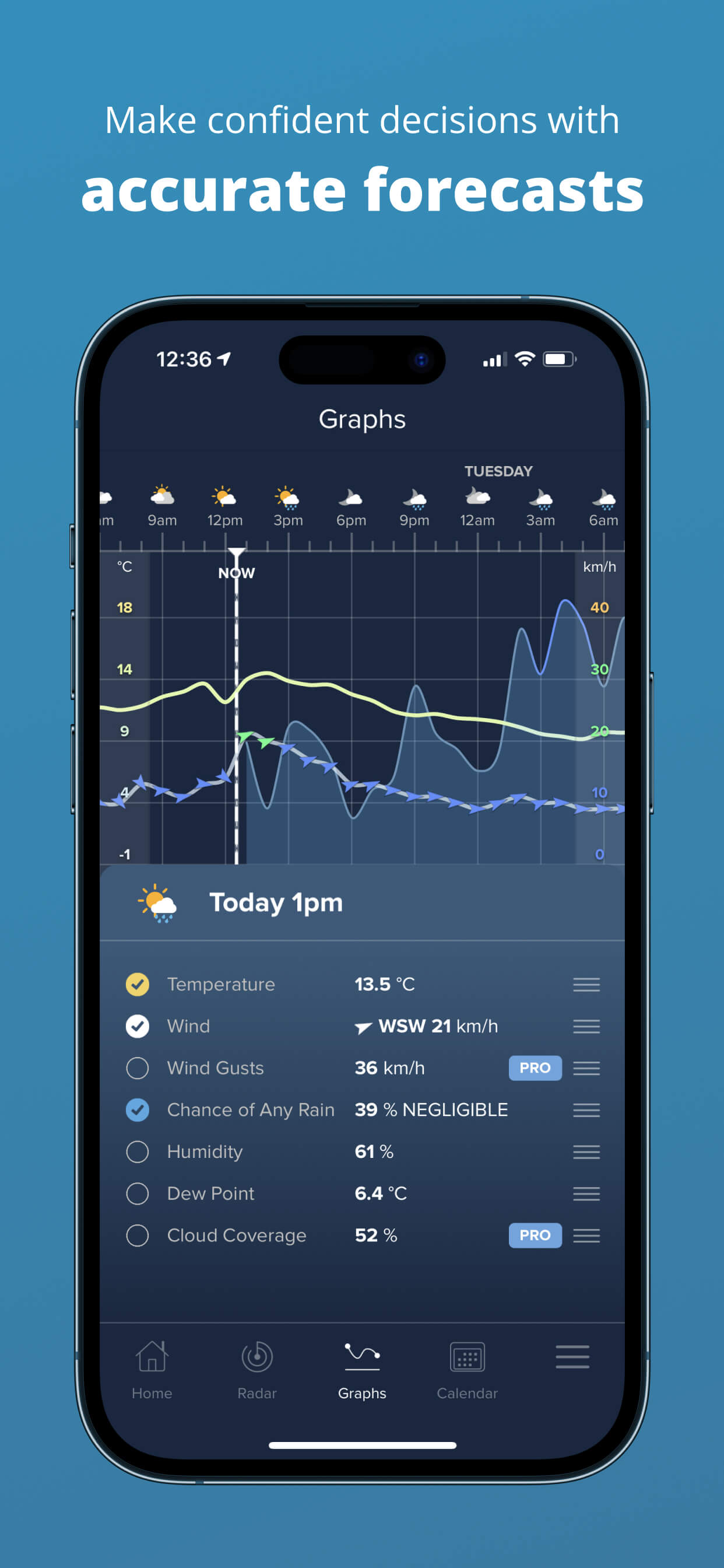
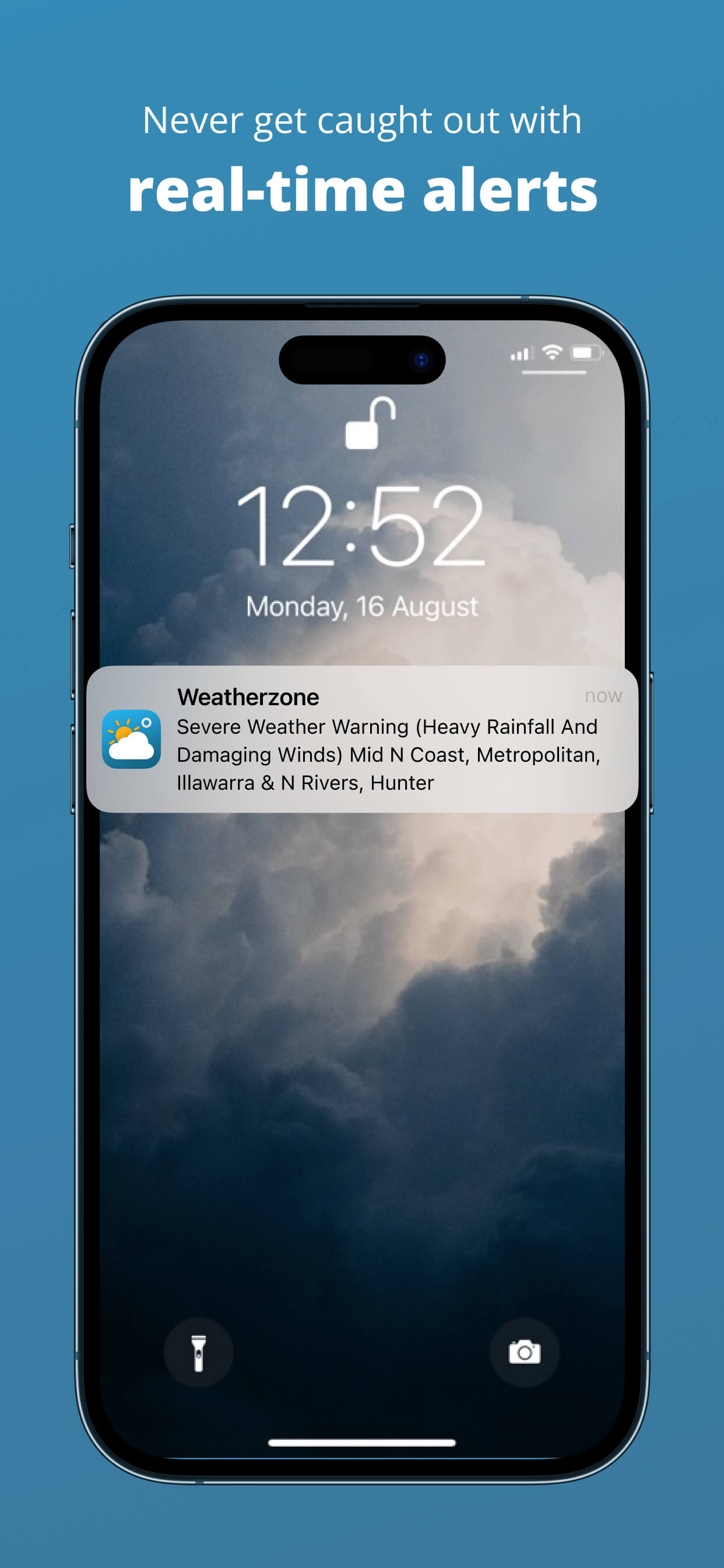
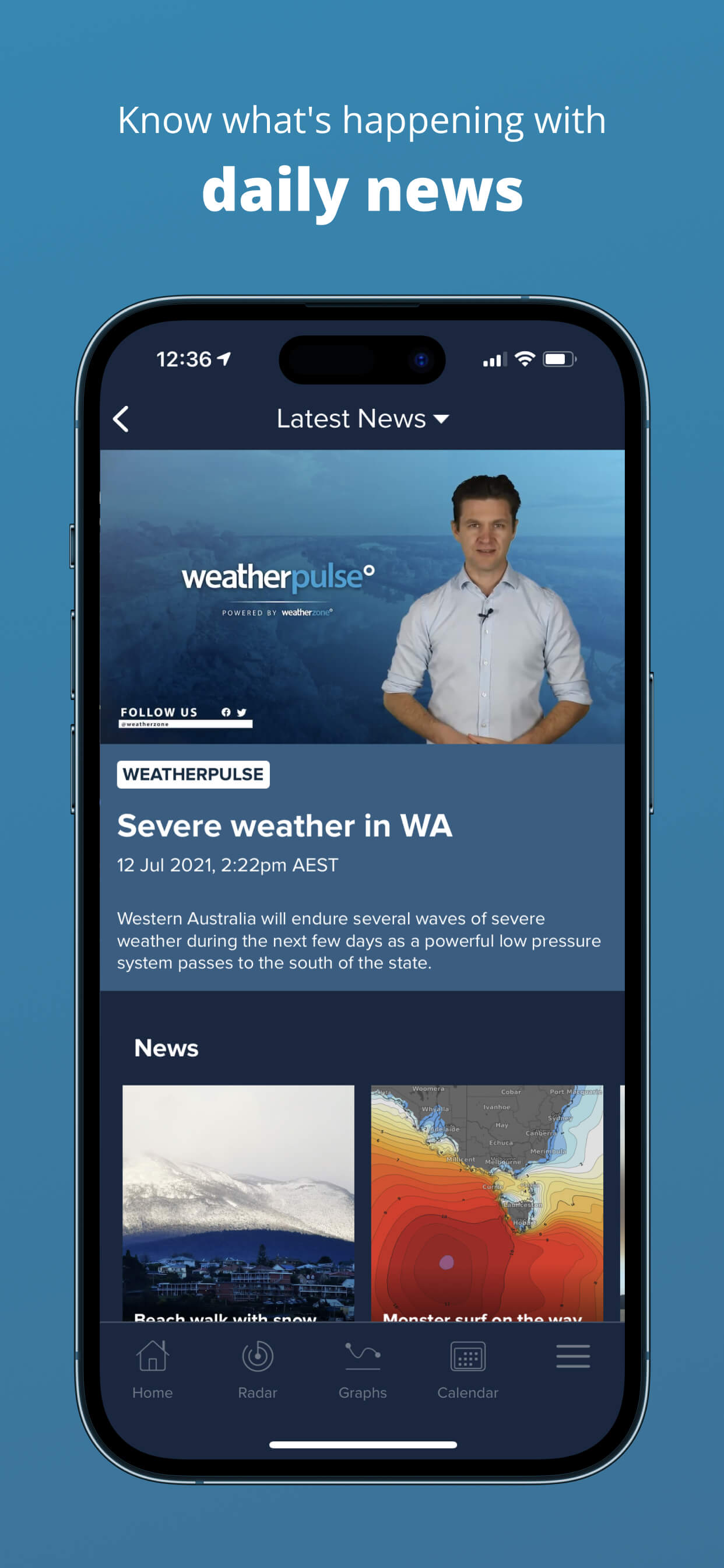
2022 App Store screenshots
I also worked on maintaining and improving the Weatherzone app, including testing and designing new features for its 1+ million users from 2018 - 2024. Some highlights included improved onboarding, future radar features, subscription flows and other major changes. I work with product, meteorologist and development teams.


.com.au
1+ million daily users
Weatherzone is Australia’s #1 commercial weather provider.
The Weatherzone website hadn’t been refreshed since 2014. The existing website was split between a distinct desktop and mobile product, and a growing mobile audience was only able to access a limited set of features on the ‘m-site’.
Heatmaps of the current desktop and mobile website provided insights into the key features we should highlight in the new design.
New personas were also created, alongside user journeys, taking into account user surveys and other analytical insights into the types of users who use Weatherzone.
I was involved in Sketch designs, Invision prototypes, in-person UX interviews and the launch of the product. It was a complete ground-up redesign that is still the foundation of Weatherzone today.
Weatherzone 6 launched November 2021.
+ A
FUN
ONE
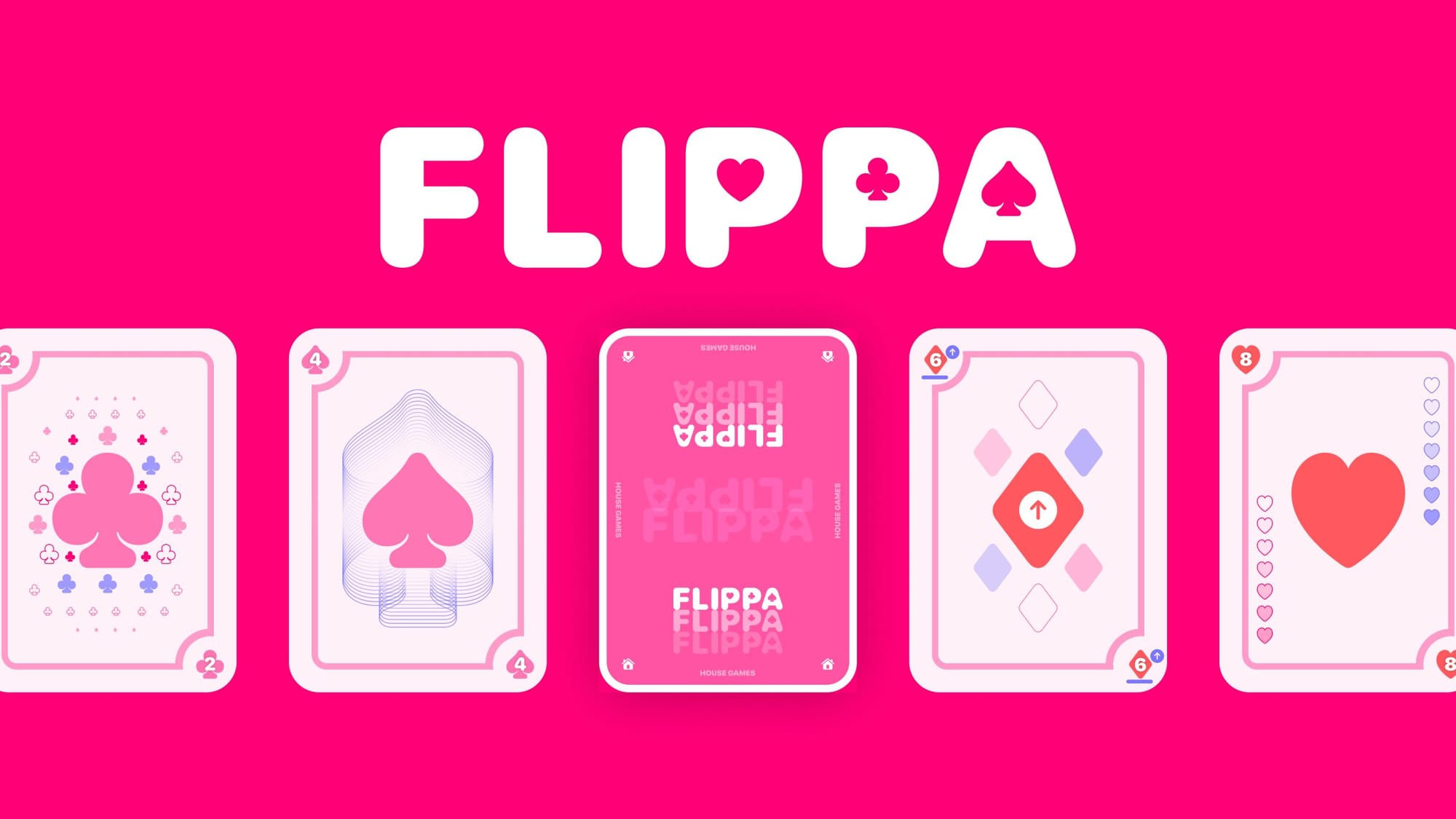
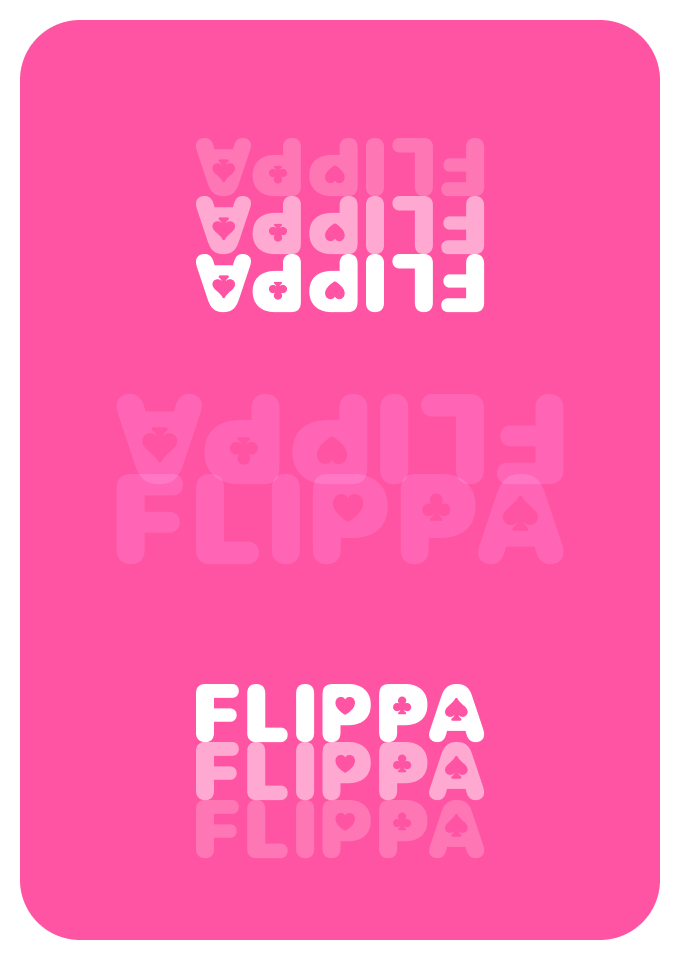
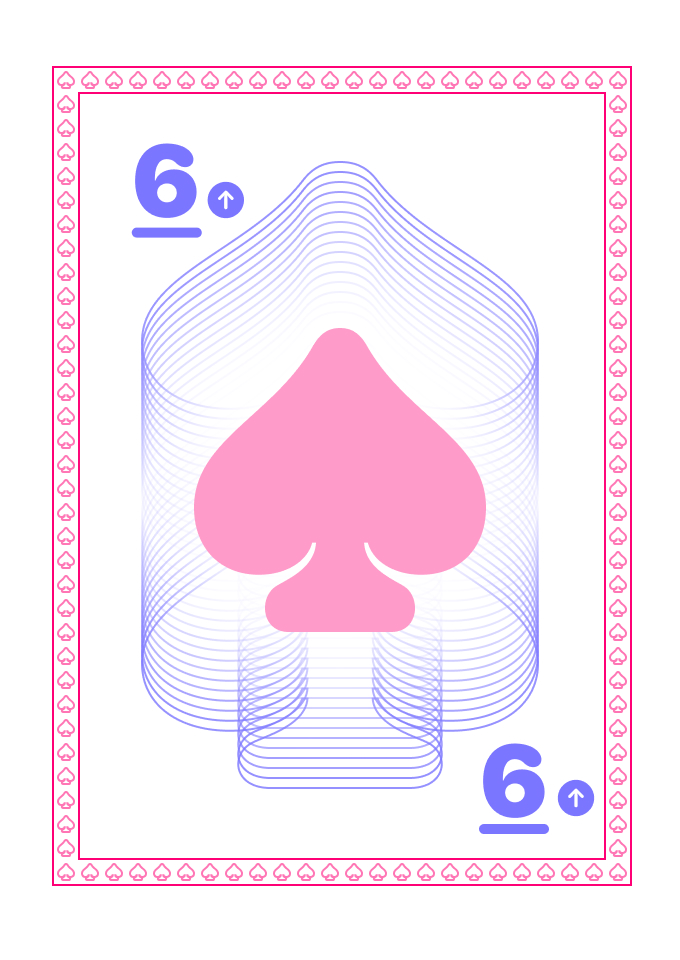
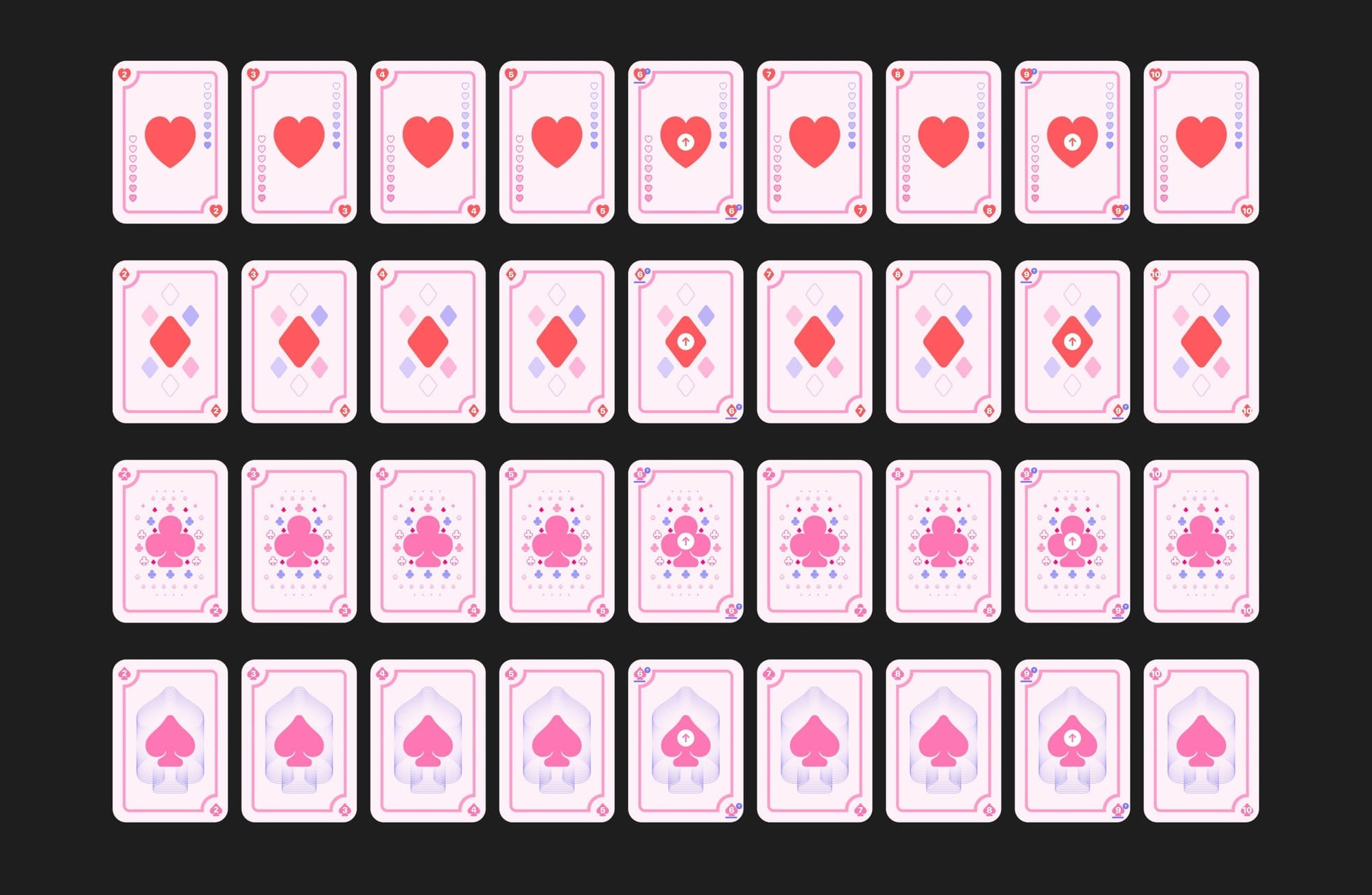
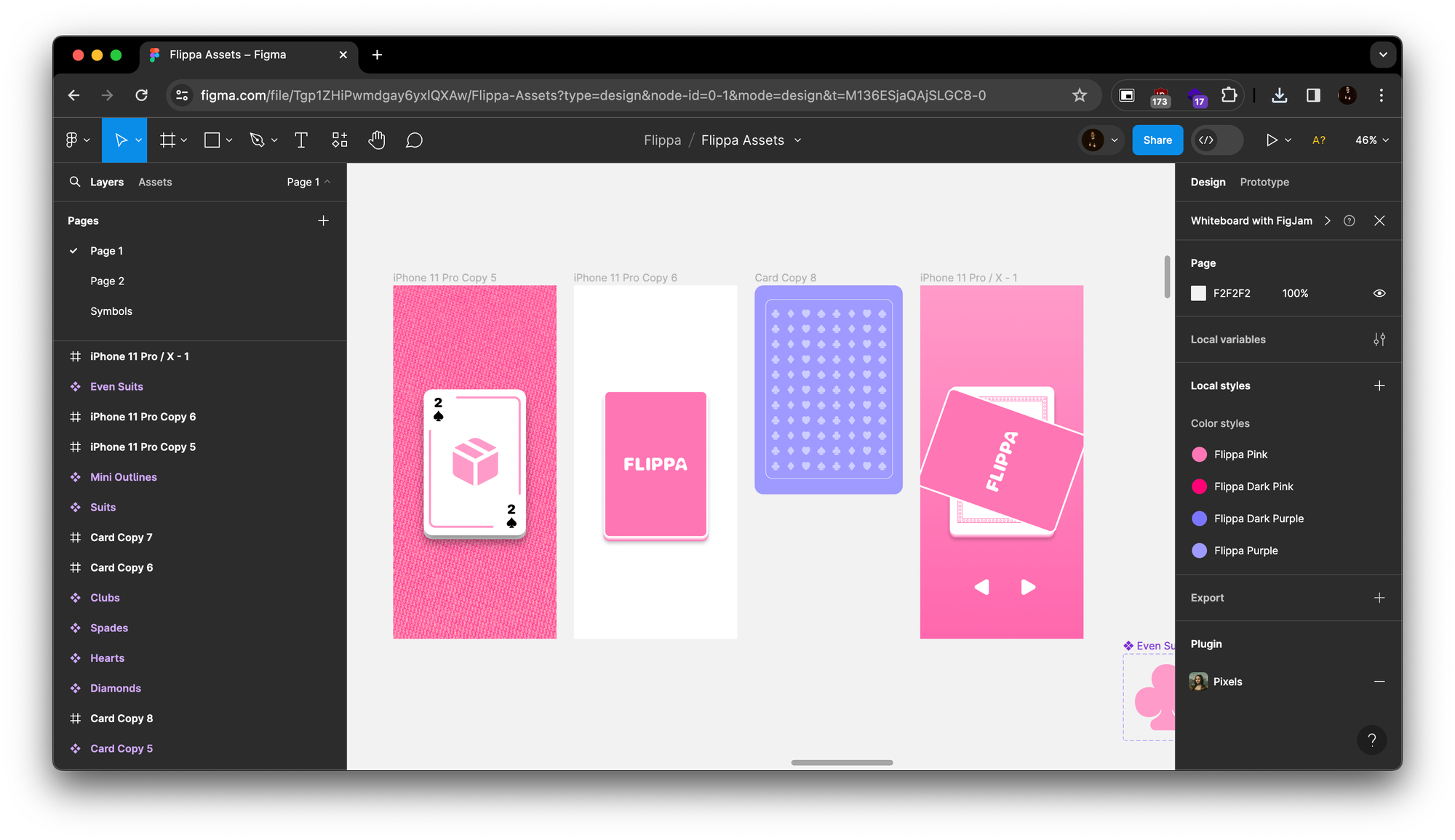
Flippa was a side project I made with my housemate during the 2020 lockdown. We called our team House Games. He did most of the development work in Unity, while I worked on the concept, style and feel of it. It’s very, very simple and was honestly a fun way to learn a bit of Unity. I’ve since made my own projects in Godot (another game engine).
The game of Flippa is simple: imagine you drop a set of cards and then pick them back up. You’ll have to flip and rotate the cards to create a neat, tidy deck.
Incredibly silly idea but it was a bit of a cozy game before those took off. And it very fun to make every pink and purple playing card design.
About Me


Chris Southcott
UX / PRODUCT DESIGNER
I WAS THE LEAD DESIGNER OF
DTN
WEATHER
HUB
The Problem
The Solution
My Role
Using AI
The Dashboard
The Map
Native iOS + Android apps
More
Work
iOS + Android
1+ million daily users
2022 App Store screenshots
I also worked on maintaining and improving the Weatherzone app, including testing and designing new features for its 1+ million users from 2018 - 2024. Some highlights included improved onboarding, future radar features, subscription flows and other major changes. I work with product, meteorologist and development teams.
.com.au
1+ million daily users
Weatherzone is Australia’s #1 commercial weather provider.
The Weatherzone website hadn’t been refreshed since 2014. The existing website was split between a distinct desktop and mobile product, and a growing mobile audience was only able to access a limited set of features on the ‘m-site’.
Heatmaps of the current desktop and mobile website provided insights into the key features we should highlight in the new design.
New personas were also created, alongside user journeys, taking into account user surveys and other analytical insights into the types of users who use Weatherzone.
I was involved in Sketch designs, Invision prototypes, in-person UX interviews and the launch of the product. It was a complete ground-up redesign that is still the foundation of Weatherzone today.
Weatherzone 6 launched November 2021.
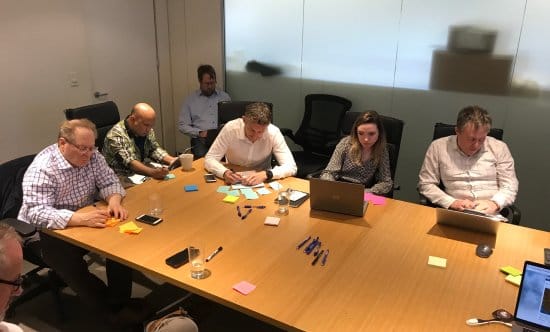
Project Kick-off
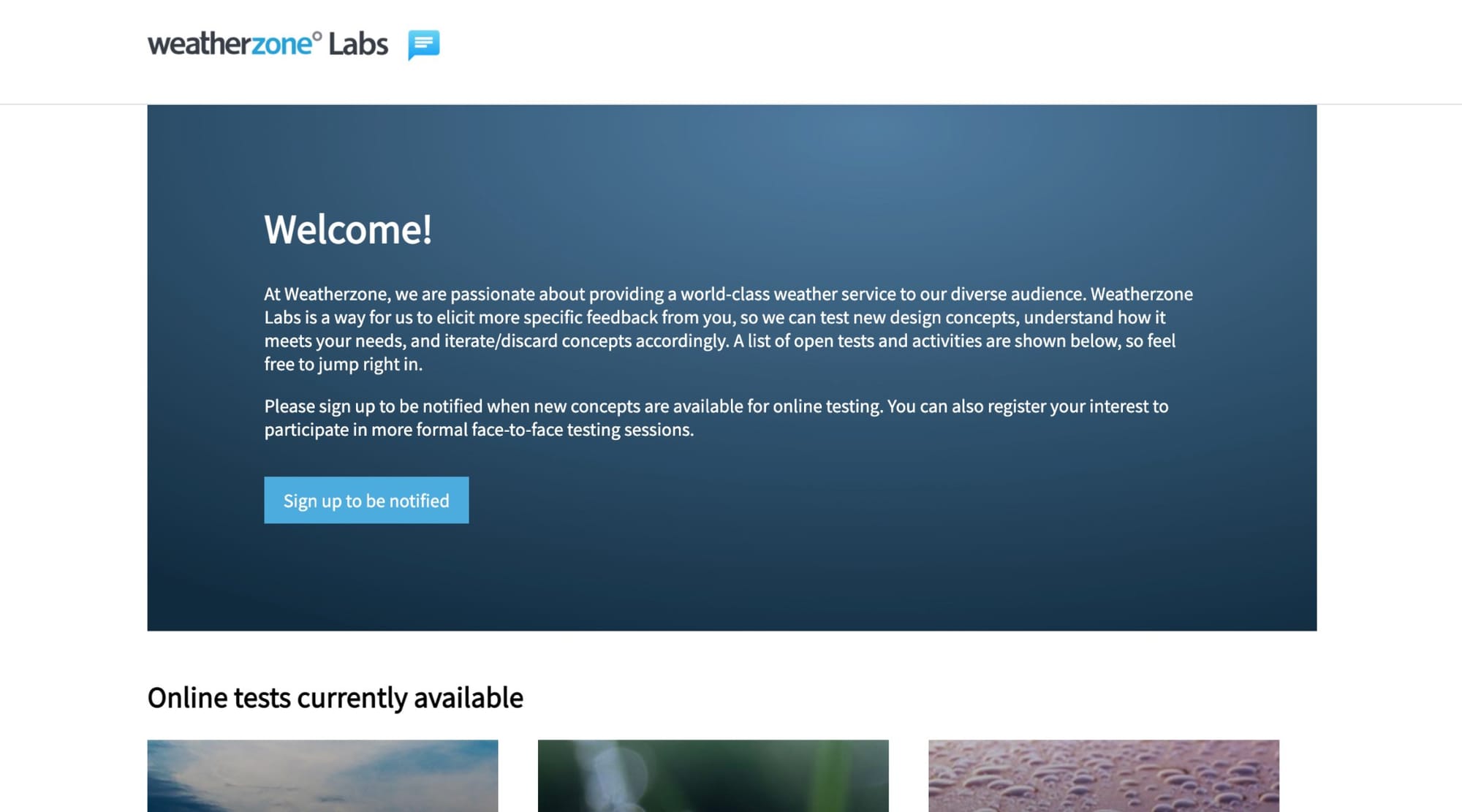
User-Testing Website
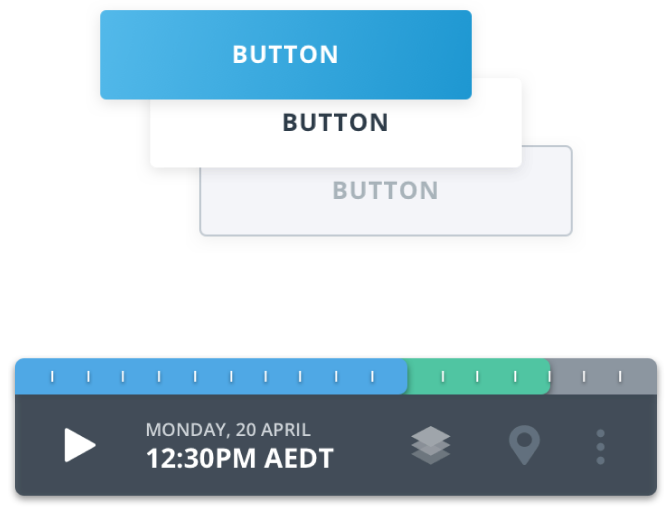
UI Kit
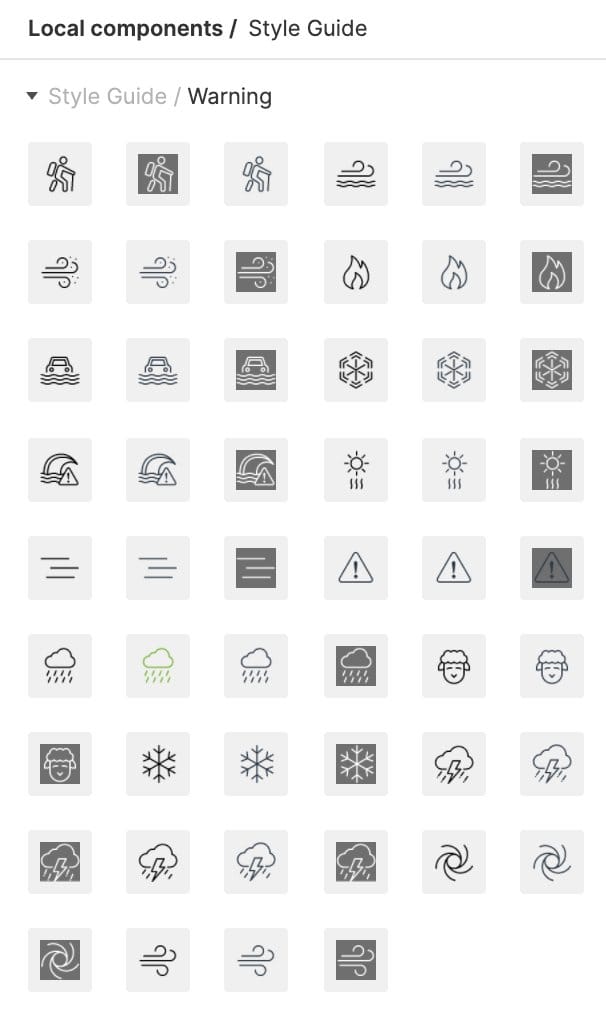
Icons
+ A
FUN
ONE
Flippa was a side project I made with my housemate during the 2020 lockdown. We called our team House Games. He did most of the development work in Unity, while I worked on the concept, style and feel of it. It’s very, very simple and was honestly a fun way to learn a bit of Unity. I’ve since made my own projects in Godot (another game engine).
The game of Flippa is simple: imagine you drop a set of cards and then pick them back up. You’ll have to flip and rotate the cards to create a neat, tidy deck.
Incredibly silly idea but it was a bit of a cozy game before those took off. And it very fun to make every pink and purple playing card design.
About Me

Chris Southcott
UX / PRODUCT DESIGNER

I WAS THE LEAD DESIGNER OF
DTN
WEATHER
HUB


AI-powered risk scoring


next era of weather intelligence
The Problem
The Solution
My Role
Using AI
The Dashboard
The Map
Native iOS + Android apps
More
Work
iOS + Android
Available worldwide
1+ million daily users
2022 App Store screenshots
I also worked on maintaining and improving the Weatherzone app, including testing and designing new features for its 1+ million users from 2018 - 2024. Some highlights included improved onboarding, future radar features, subscription flows and other major changes. I work with product, meteorologist and development teams.
.com.au
From start to finish
Responsive redesign
1+ million daily users
Weatherzone is Australia’s #1 commercial weather provider.
The Weatherzone website hadn’t been refreshed since 2014. The existing website was split between a distinct desktop and mobile product, and a growing mobile audience was only able to access a limited set of features on the ‘m-site’.
Heatmaps of the current desktop and mobile website provided insights into the key features we should highlight in the new design.
New personas were also created, alongside user journeys, taking into account user surveys and other analytical insights into the types of users who use Weatherzone.
I was involved in Sketch designs, Invision prototypes, in-person UX interviews and the launch of the product. It was a complete ground-up redesign that is still the foundation of Weatherzone today.
Weatherzone 6 launched November 2021.
Project Kick-off
User-Testing Website
UI Kit
Icons
+ A
FUN
ONE
Flippa was a side project I made with my housemate during the 2020 lockdown. We called our team House Games. He did most of the development work in Unity, while I worked on the concept, style and feel of it. It’s very, very simple and was honestly a fun way to learn a bit of Unity. I’ve since made my own projects in Godot (another game engine).
The game of Flippa is simple: imagine you drop a set of cards and then pick them back up. You’ll have to flip and rotate the cards to create a neat, tidy deck.
Incredibly silly idea but it was a bit of a cozy game before those took off. And it very fun to make every pink and purple playing card design.
About Me

